
Guide
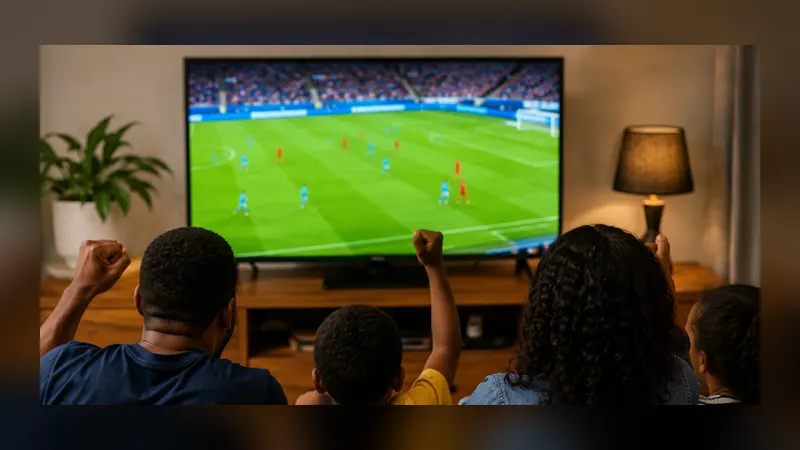
Watching Fútbol Libre Football on a Bigger Screen
From phone to television: the honest options for a bigger picture, what the app does and does not promise, and the living-room routine that works.

INDEX In this edition
Phones are personal; football is social. This guide covers the realistic ways a match found through the app ends up on a bigger screen, from the viewing tests behind Libre Fútbol.
Start with what is in your hand
The service itself lives on the web, which gives you the first option for free: a television or computer browser can open futbollibrefullhd.org directly, agenda and channel pages alike, with no phone involved at all. For many households that is the whole answer on big nights: the agenda on the big screen in the morning, the channel page on it in the evening.
Casting and mirroring from the phone
Android phones watching Fútbol Libre can send their screen to many televisions through the system's own casting and mirroring features. Where your television supports it, mirroring the phone while the app plays is the straightforward route; the phone drives, the television displays. Quality follows your home network, so the steadiness advice in our streaming guides applies twice over here. New viewers may want to rehearse once before a big night, the way our beginner guide suggests rehearsing the reload button.
The living-room routine
Decide the screen before the start time, set it up during the calm, and keep the phone charged and near the router. Appoint one person as the operator; two people troubleshooting a mirror at the start of a derby is a small domestic tragedy. The rest of the evening then belongs to the football and the people watching it, which our match-day routine guide choreographs in full.
What the app does not promise
Honesty keeps this guide short in the right places: the app is a phone window onto a web service, and it does not include its own television software or remote control. Everything in this guide uses the abilities of the service's web pages, your phone's system features, or your television's browser. That is not a weakness; it is why the arrangement works on so many different televisions without anyone installing anything new.
Sound deserves a thought
A bigger picture with phone sound is half an upgrade. If the television is displaying, let it handle the sound where the setup allows, and set volume levels during the pre-match programming rather than at the first roar. Commentators sit under crowd noise on many signals; a small adjustment early saves an evening of straining. Then sit down. The agenda chose the match, the screen is ready, and Fútbol Libre has done its part.
A note for regular big nights
If the big screen becomes the household's default, keep the phone app anyway for the morning agenda and for second matches on the small screen while the television is spoken for. The two sizes divide the labour naturally, planner and performer, and most settled households end up using both without ever deciding to.
Quick Answers
Does the app have a TV version?
No. The app is a phone window onto the web service. Bigger screens are reached through the service's web pages in a TV or computer browser, or by mirroring the phone.
Will mirroring hurt picture quality?
Quality follows your home network. A steady connection near the router gives the best result; set everything up before the start time.
Can I open the service directly on a computer?
Yes. The service lives on the web, so a computer browser reaches the same agenda and channel pages.