

The service in short
What Is Fútbol Libre?
Fútbol Libre, at futbollibrefullhd.org, is a free streaming service that organises live football for Spanish-speaking fans. Instead of a store of old videos, it is built like a match-day desk: a daily agenda (its "Agenda deportiva") lists the day's football with start times and competitions, and a set of channel pages carries the live television signals that show the games. The service covers football from Argentina, México, Ecuador, España, Uruguay, Bolivia and Perú, plus international competitions for clubs and national teams.
The APK on this page is Fútbol Libre as an Android app. It is a light app window (a WebView wrapper, in the technical term) that opens the real service inside the app, so what you see is the genuine agenda and the genuine channel pages, not a copy and not a screenshot gallery. That design explains the size: at about 77 KB the app holds almost nothing locally, because everything you watch streams from the service itself. It also explains the one firm requirement: the app needs an internet connection, the way any streaming front door does.
Agenda and channels
What the Service Carries
Everything below is on the Fútbol Libre service today and was checked on its own pages during our review.
- The daily agenda: one page lists the day's matches with start times, tournaments and the channels carrying each game, so planning an evening takes a glance.
- DirecTV Sports: a channel page for the South American sports network, a regular home for league football from the region.
- ESPN 1, 2 and 3: three separate channel pages, so the ESPN signal showing your competition is the one you open.
- Fox Sports 1, 2 and 3: three more channel pages, covering a wide spread of league and cup football.
- Liga 1 MAX: the channel page for Peruvian professional football, with its matches, analysis and programming.
- Telemundo: Spanish-language coverage and sports programming on its own channel page.
- League coverage by country: Argentina, México, Ecuador, España, Uruguay, Bolivia and Perú, plus international club and national-team competitions.
- An app-style layout: the service itself is built like an app, with bottom navigation for Inicio, Canales TV, Ligas and Ajustes, which is why it feels at home inside this APK.
The pattern to notice: the agenda tells you what is on and where, and the channel pages do the showing. Two simple ideas, kept separate, and the whole Libre Fútbol layout is easy to learn in one evening.
From the real service
Fútbol Libre Screenshots
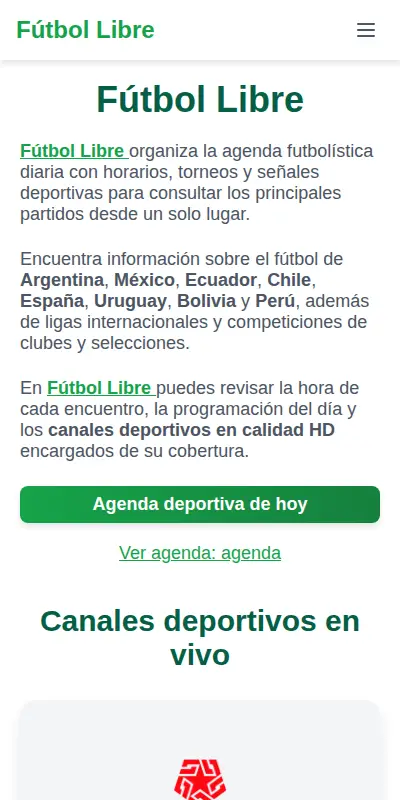
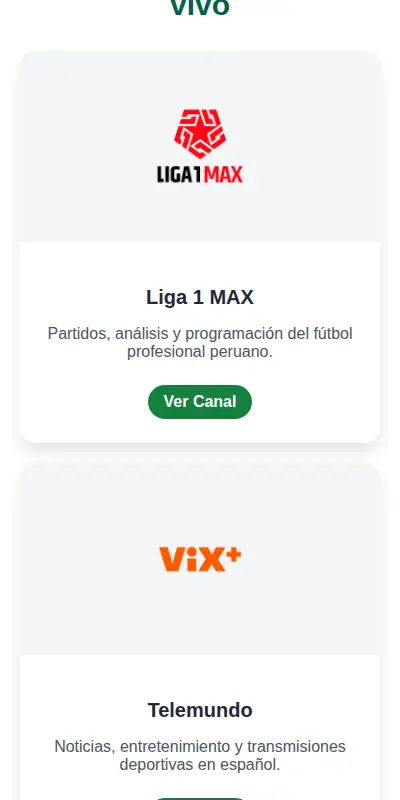
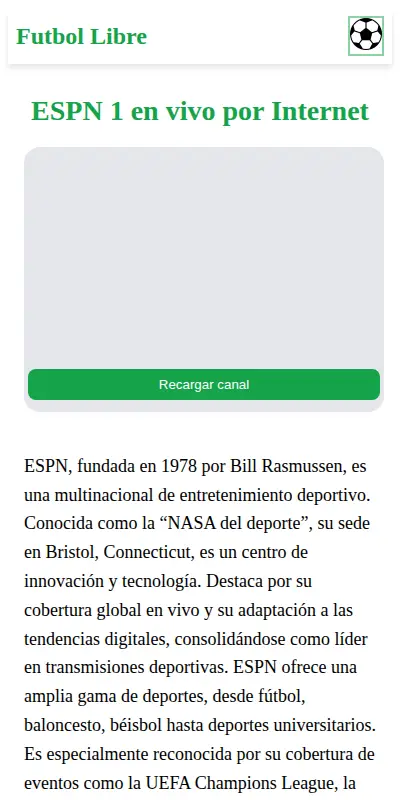
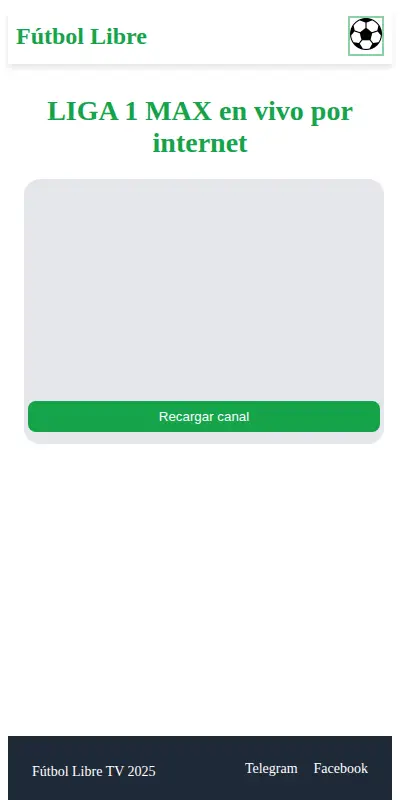
Every frame below is a real capture of the service itself, taken at phone width: the home page with its green agenda button, the channel cards for Liga 1 MAX and Telemundo, and the ESPN 1 and Liga 1 MAX channel pages with their player areas and reload buttons. No renders, no artwork, just the service as you will see it.
A live service rhythm
What Changes on the Service
A streaming service like Fútbol Libre changes in a different rhythm from a normal app. The app itself barely changes at all: it is a window, and windows stay put. What changes is what the window shows. The agenda is rebuilt by the service for each day's football, channel pages gain or lose competitions as seasons turn, and the country coverage follows the calendar of the leagues it tracks.
That split is worth understanding before you download, because it answers the question readers ask most: there is no content update to wait for inside the app. If a match is on the service, it is on your phone the moment the service lists it. When the app itself does change, the update is small and quick, and our update guide shows the safe way to install it over your existing copy.
On your phone in a minute
How to Install Fútbol Libre on Android
The install of the Fútbol Libre APK is standard Android, and mercifully fast: this file is measured in kilobytes, not gigabytes.
- Download the file: tap the download button on this page, move through the short countdown on the download page, and save the Fútbol Libre APK. At roughly 77 KB it lands almost instantly, on Wi-Fi or mobile data alike.
- Allow the install: open the file and, when Android asks, allow installs from your browser for this one install. That prompt is Android's normal gate for any APK installed outside a store.
- Check your Android version: the app needs Android 7.0 or newer, which covers phones going back many years.
- Open it connected: launch the app with Wi-Fi or mobile data on. The agenda and channel pages load from the service, so a first launch with no connection shows nothing, by design.
- Start from the agenda: open the daily agenda first, find your match, and follow it to its channel page. That two-step habit is the whole service in miniature.
If anything refuses, the cause is almost always the browser-install permission or a connection that dropped mid-load; our common problems guide in the blog walks the fixes in order.
The day's football, listed
The Daily Agenda, Explained
The agenda is the Fútbol Libre front page in spirit, even though it sits at its own address inside the app. It lists the day's football in one place: each match with its start time, its competition, and the channel signals assigned to carry it. For a fan following leagues in several countries, that single list replaces the old routine of checking three sites and a television guide before an evening's viewing can be planned.
Used well, the agenda is also a filter. Scan it in the morning and you know which two matches matter to you, which channel each one lives on, and whether they overlap. The rest of the service is then just execution: at the start time, open the channel page the agenda named. That two-step habit is how most Futbol Libre regulars watch. Our agenda guide in the blog goes deeper, including how to read start times against your own time zone, which matters when the football is in Argentina and you are not.
Every page, explained
The Channel Pages, One by One
Each channel on Fútbol Libre gets its own page with a player area and a reload control (the green "Recargar canal" button you can see in the screenshots). That reload button is more useful than it looks: when a stream stalls or a page loads before its signal settles, one tap refreshes the channel without sending you back through the agenda.
The three ESPN pages and the three Fox Sports pages follow the same pattern, numbered for the signal you need. DirecTV Sports and Liga 1 MAX serve their regions' league football, and Telemundo carries Spanish-language sports programming alongside its general schedule. None of the pages asks for an account or a subscription from you: you open the page and the player area is there. What each channel shows on a given day is decided by the channel's own programming, which is exactly why the agenda exists: it joins the day's matches to the pages that carry them.
Connection and data
Watching Well: Connection and Data
Because everything streams, the quality of your evening is the quality of your connection. A steady Wi-Fi signal is the best seat in the house; mobile data works well too, with one honest warning: live video uses real data, hour after hour, so an unlimited or generous plan is the comfortable way to watch full matches on a phone network. Our data usage guide puts rough numbers on a match so you can plan.
On Fútbol Libre, two small habits prevent most frustration. First, open the channel page a few minutes before the start time, so any slow load happens before the football does. Second, if a picture stutters, use the channel page's own reload button before you restart the app; nine times out of ten the reload is the whole fix. The buffering guide in the blog covers the remaining tenth, in the order the fixes actually work.
Checked before listing
Safety and Verification
We check the Fútbol Libre file on this page like every file on this site. The package identity (com.futbollibrefullhd.app) and the exact file size are verified against the build we publish, the app is installed on our test phones, and the service is opened and used through it, agenda, channel pages and all, before the download button goes up. The build here is the build this review describes.
Two honest notes belong here. First, what the app is: a window onto a web service, which is why it is tiny and why it needs the internet; it does not download matches to your phone and it cannot work offline. Second, what we are: an independent download and guide site. The Fútbol Libre service itself publishes a DMCA notice in its own footer, and channel and league names belong to their owners. We publish no star rating for this app, because the service has no store listing to take one from and we do not borrow numbers from other apps that happen to share the name.
File and requirements
Technical Details
The download is about 77 KB, the smallest file on this site's shelf, and the reason is architectural: the app is a WebView wrapper, a purpose-built window that loads the Fútbol Libre web service inside the app. Your phone stores the window; the service stores and streams everything else. The practical results are a download that finishes in seconds, an install that takes almost no storage, and an app whose content is always as current as the service itself. That is the entire engineering story of the Fútbol Libre APK: a tiny file, a live service.
The app asks for Android 7.0 or newer and an internet connection, Wi-Fi or mobile data. There is no account to create inside the app and nothing to configure before first use: open it and the service's home page is in front of you, with its bottom navigation for Inicio, Canales TV, Ligas and Ajustes working as it does on the web.
Earlier builds
Old Versions
With a wrapper app like the Futbol Libre app, old versions are a short story. The app carries no content of its own, so an older build shows the same service as a current one on the day both are opened. What does change between builds is compatibility polish: how the window handles newer Android versions and newer service pages.
The file on this page is the current build. If you are holding an older copy that still opens the service happily, it is genuinely fine to keep using it; when it eventually sulks, the current file here replaces it in seconds, installed over the top.
Other doors to the football
Other Ways to Follow the Football
The service also lives on the open web, and opening futbollibrefullhd.org in a phone browser reaches the same agenda and the same channel pages. The app's case for existing is convenience, not exclusivity: an icon on the home screen, a window that opens straight into the service, and navigation that behaves like the apps around it. Plenty of readers use both, browser at a desk and app everywhere else.
Beyond Fútbol Libre, the honest alternatives are the channels' own broadcasts on television and each league's own programming, which is where the signals originate. What this service adds is the joining-up: one agenda across countries and channels, which is the piece television guides never quite manage for a fan whose football lives in four time zones.
When something stalls
Troubleshooting
The app opens to a blank page. Check the connection first; the app loads the service live, so airplane mode and dead Wi-Fi both show as blank. Reconnect and use the page's reload control.
A channel page loads but nothing plays. Tap the green reload button on the channel page and give the player a few seconds. If the whole service is slow at a popular start time, a second reload a minute later usually lands.
The install is blocked. Android is doing its job: allow installs from your browser for this install, then open the file again.
The agenda shows different times than expected. The service lists start times for its own audience; compare against your time zone, especially for matches from Argentina or España. Our agenda guide has the worked examples.
The blog's common problems guide keeps the longer Fútbol Libre fix list, in fix order.
Staying current
How to Update the App
Updating is deliberately boring. Download the current Fútbol Libre file from this page and install it directly over your existing copy, never uninstalling first. The new window replaces the old one in seconds, and because your football lives on the service rather than in the app, there is nothing to migrate and nothing to lose.
You will not need to do it often: a wrapper changes only when Android or the service changes enough to deserve a new build. When a guide on this site mentions a behaviour your copy does not show, updating is the first step, before any troubleshooting.