
Guide
Best Settings for Watching Fútbol Libre on Android
The phone-side habits that make live football smoother: connection choices, background load, screen and battery settings, and the agenda-first routine.

INDEX In this edition
The app itself has almost no settings to tune, which is good news: the settings that matter live on your phone. This guide covers the ones that change a viewing evening, from the setup testing behind the Fútbol Libre download.
Connection: pick steadiness
Settle on the steadiest connection you have for Fútbol Libre rather than the fastest on paper. For most homes that is Wi-Fi from a sensible room, not the far bedroom. If your router offers two bands, the shorter-range band is usually the steadier one in the same room. On mobile data, a strong signal in one spot beats wandering the house with a fading one.
Background load: clear the stage
Before a match, pause the phone's other appetites: big downloads, cloud photo backups, and system updates all compete with a live stream and none of them care about your evening. Close the pile of background apps too, less for memory than for order. These habits work alongside the fixes in our buffering guide, which handles what to do when a stall still arrives.
Screen and sound
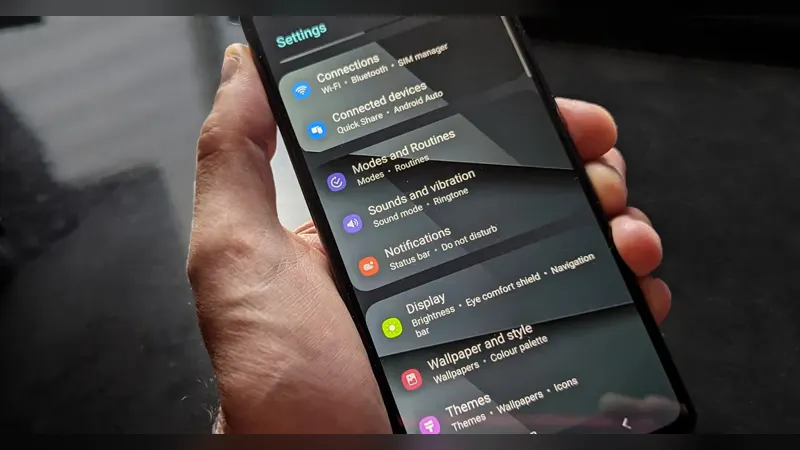
Raise the screen timeout or keep the phone awake while watching, so the display does not sleep into a quiet moment. Set brightness for the room rather than maximum; a long match at full brightness is a battery plan, not a picture plan. If you use earphones, pair them before the start time. Small things, all of them, and together they are the difference between fiddling and watching.
Battery: plan for extra time
Live video is honest work for a battery. Start a big match charged or plugged in, especially on an older phone, and know that a full match with the screen on is one of the heavier things you ask of it. Our data usage guide covers the other consumable, your data allowance, with rough numbers for a full match so neither budget surprises you. Grabbing the app itself from the download page costs almost nothing by comparison: the file is about 77 KB.
The routine that ties it together
Settings only matter inside a routine. Ours takes a minute: read the agenda, choose the channel, clear the background load, open the page a few minutes early. Do it twice and it becomes reflex. The app deliberately gives you nothing else to configure, because a front door should not have a control panel; the craft is in the phone around it and the habits in front of it.
What not to bother with
Skip the folklore: cleaner apps, booster apps and mystery toggles do nothing for a live stream that a steady connection and a cleared stage do not do better. If a tip cannot explain what it changes, it changes nothing. Your settings pass is short because the truth is short, and Fútbol Libre evening time is better spent on the football.
Quick Answers
Which matters more, Wi-Fi or mobile data?
Steadiness matters more than the label. Strong Wi-Fi in a sensible room is usually best; a strong mobile signal beats a fading Wi-Fi one.
Do booster or cleaner apps help streaming?
No. They cannot add connection steadiness. Clearing real background downloads and backups is the honest version of the same idea.
Why does my screen sleep mid-match?
The display timeout is doing its job. Raise it or keep the phone awake while watching, and set brightness for the room to save battery.